
CMS Header Component
Header layouts for blog posts, case studies, and other CMS-driven pages, ready to bind to dynamic fields in Webflow, Framer, or Figma.
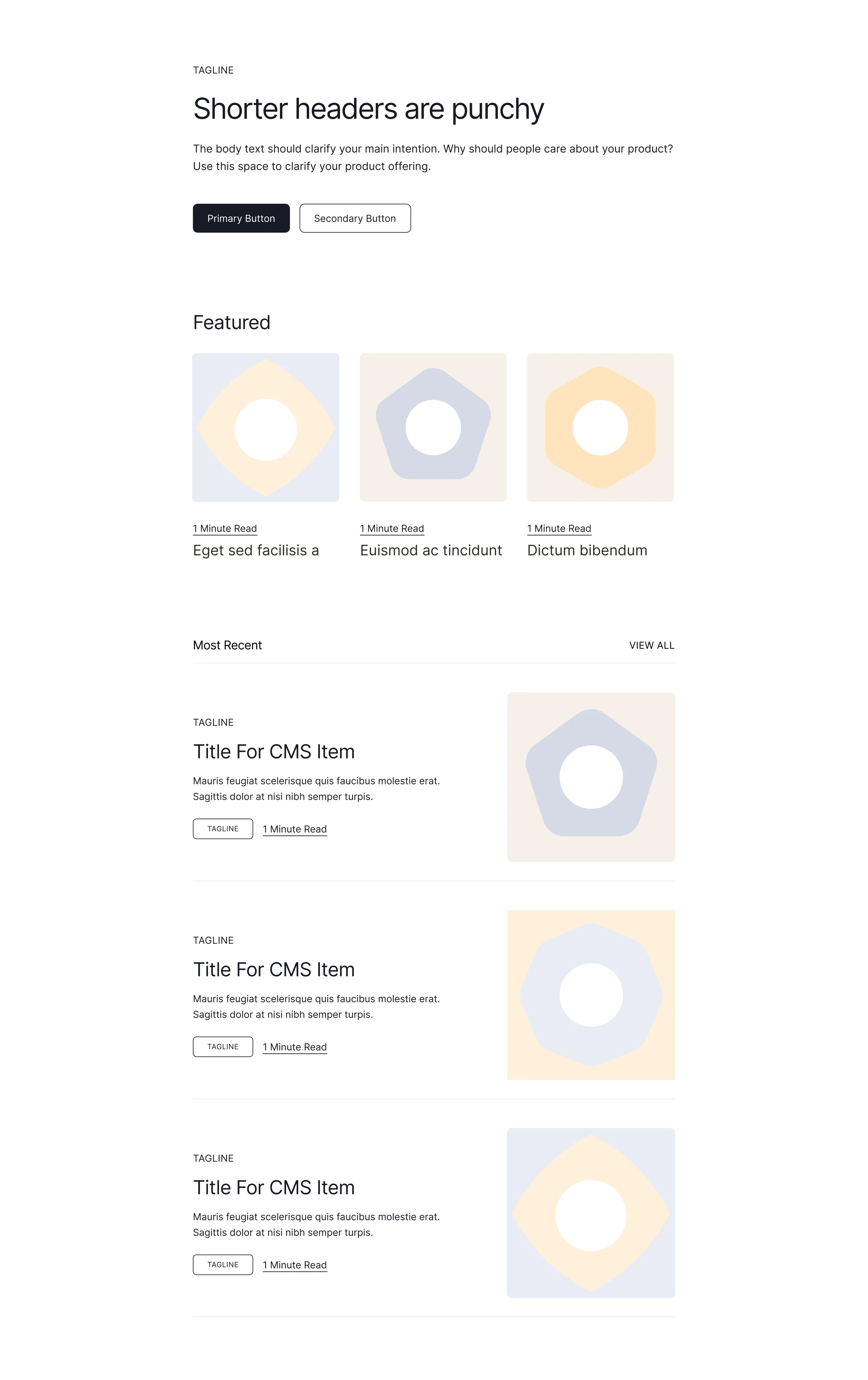

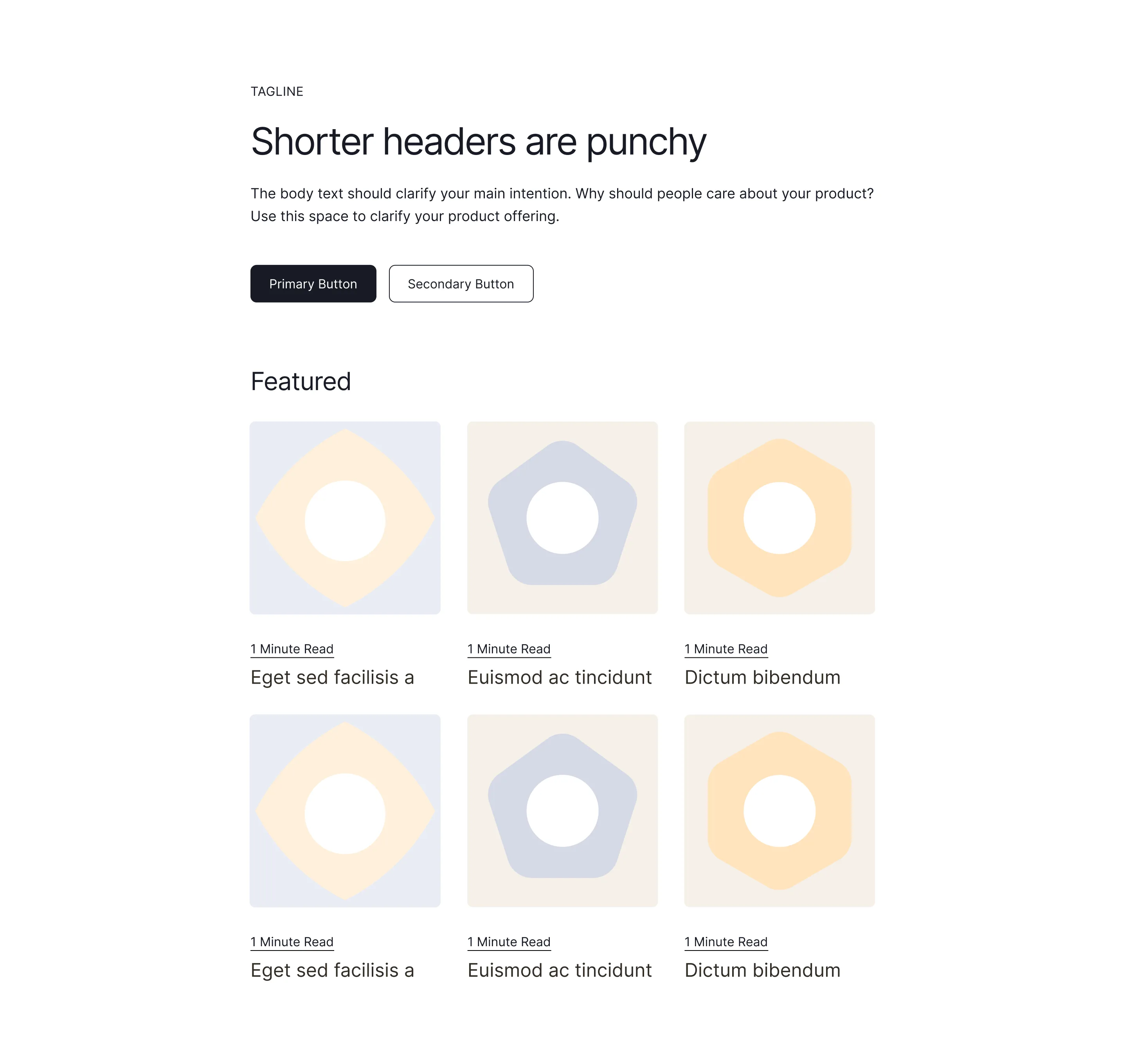
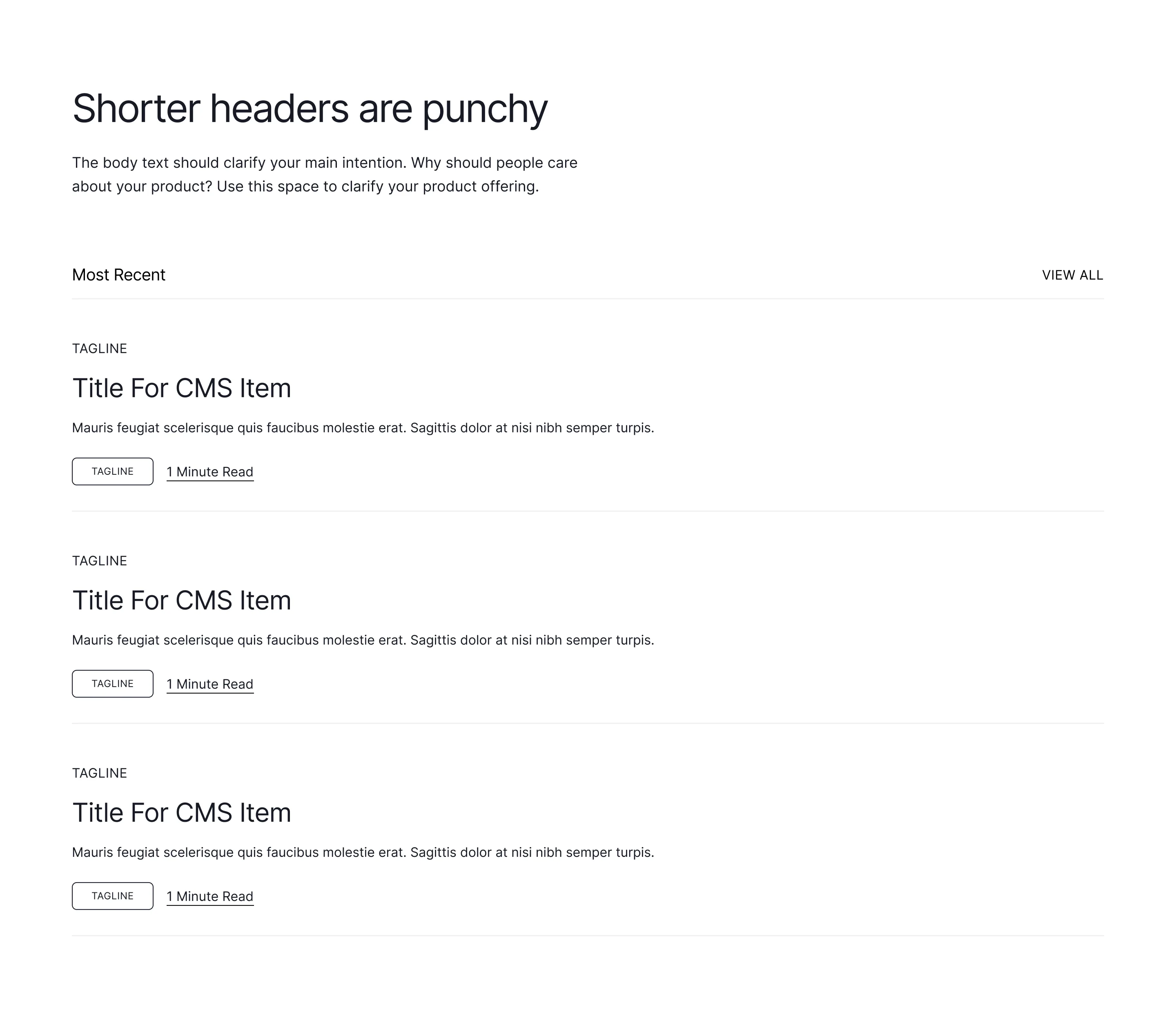
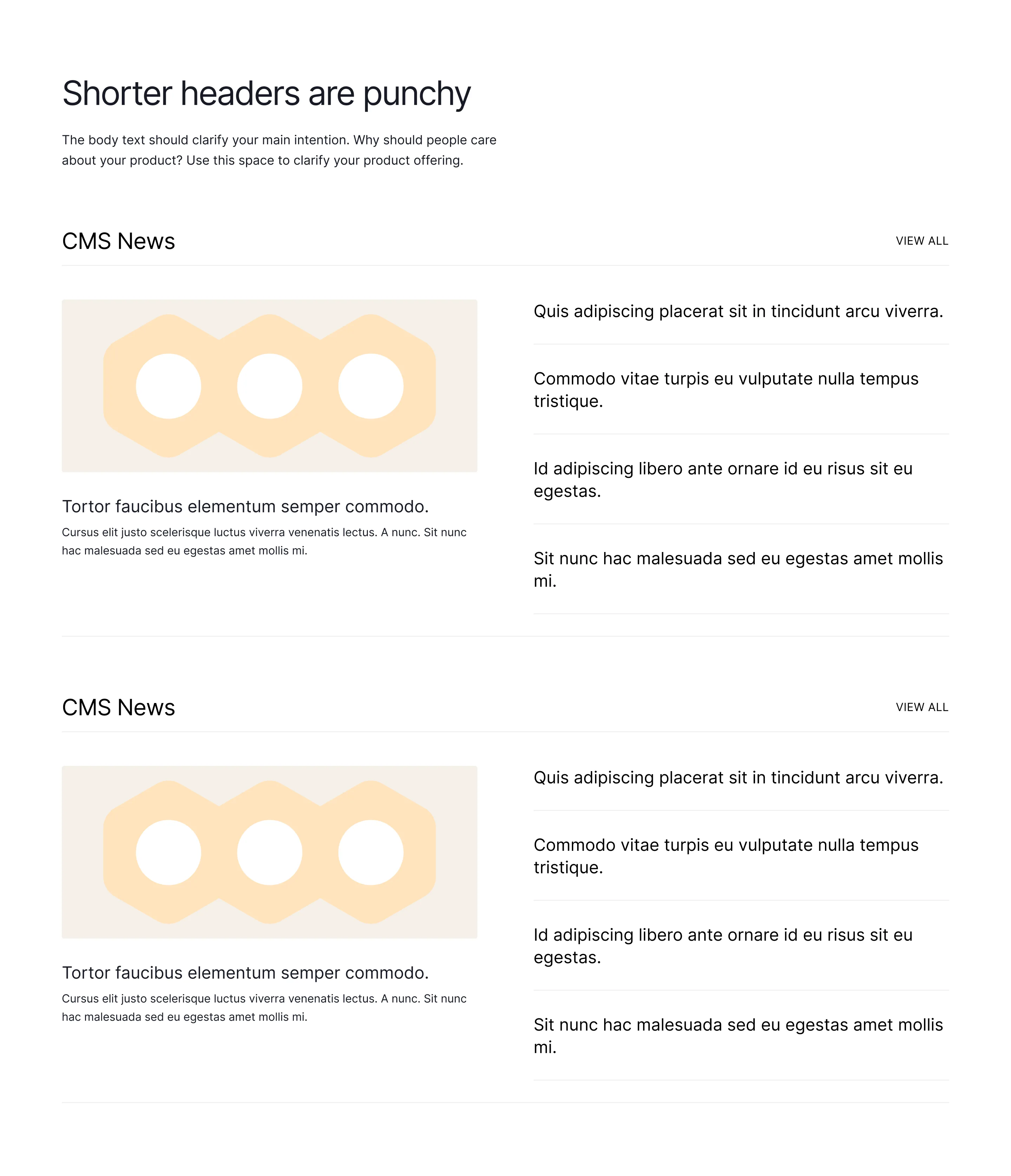
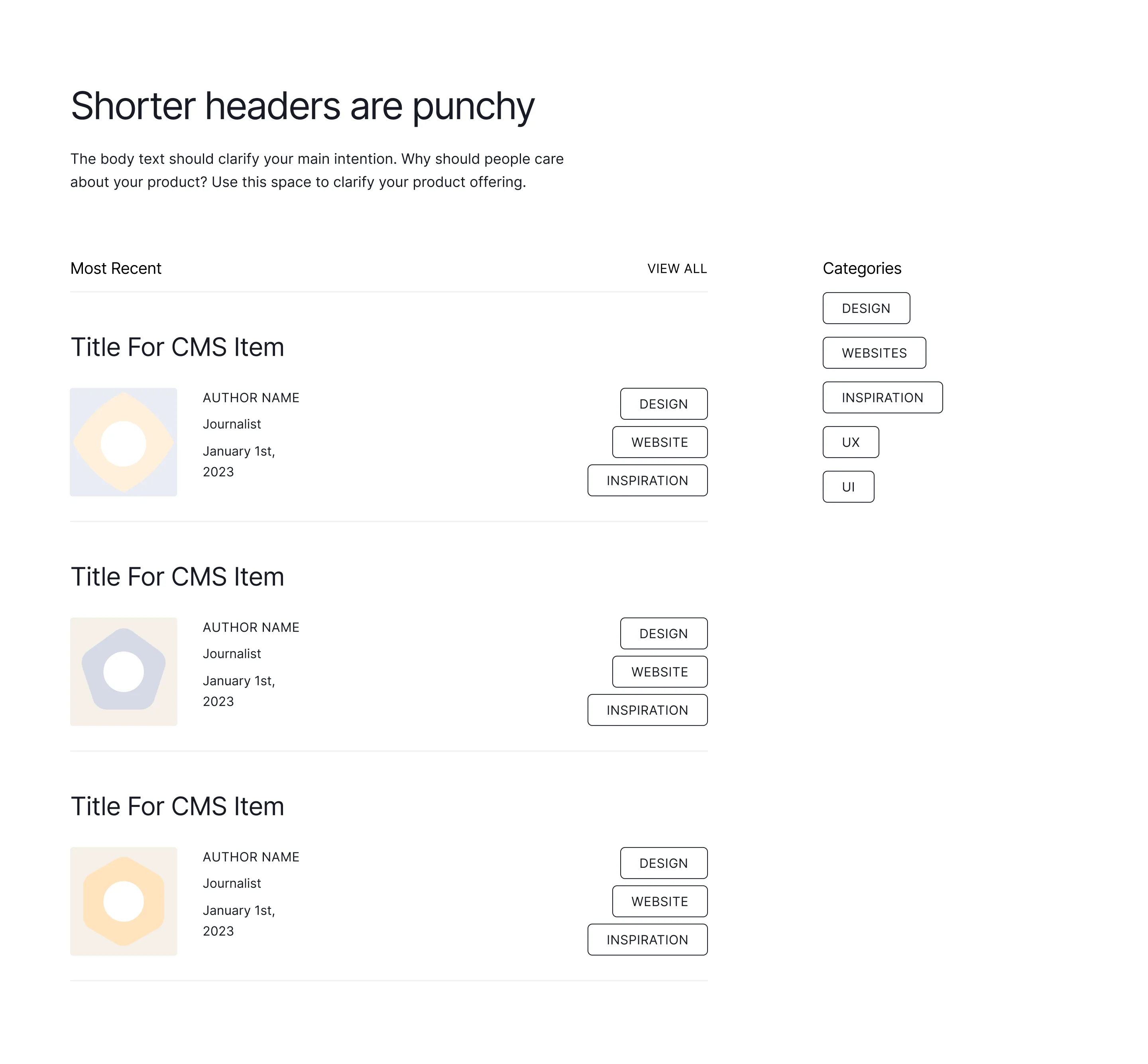
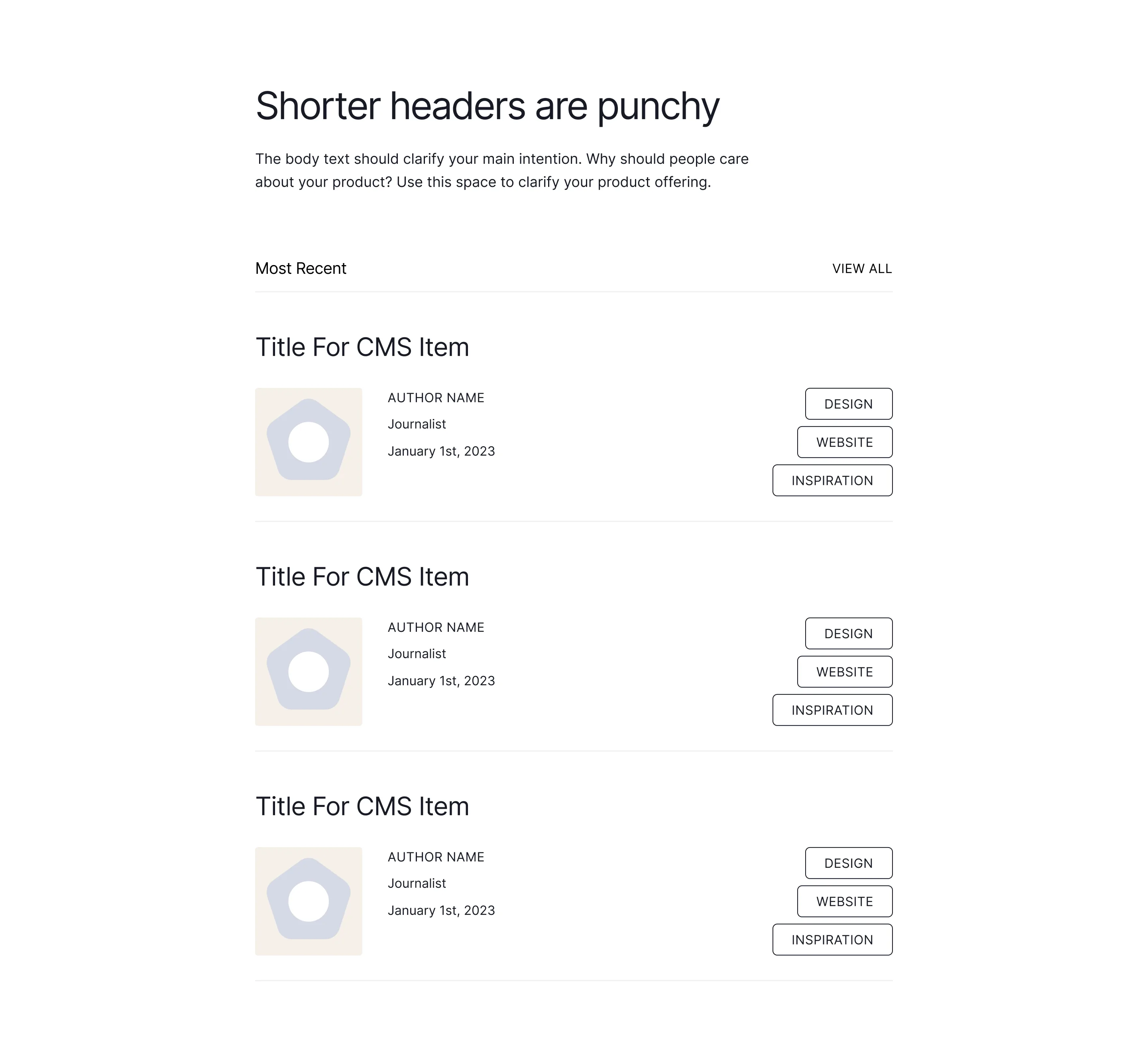
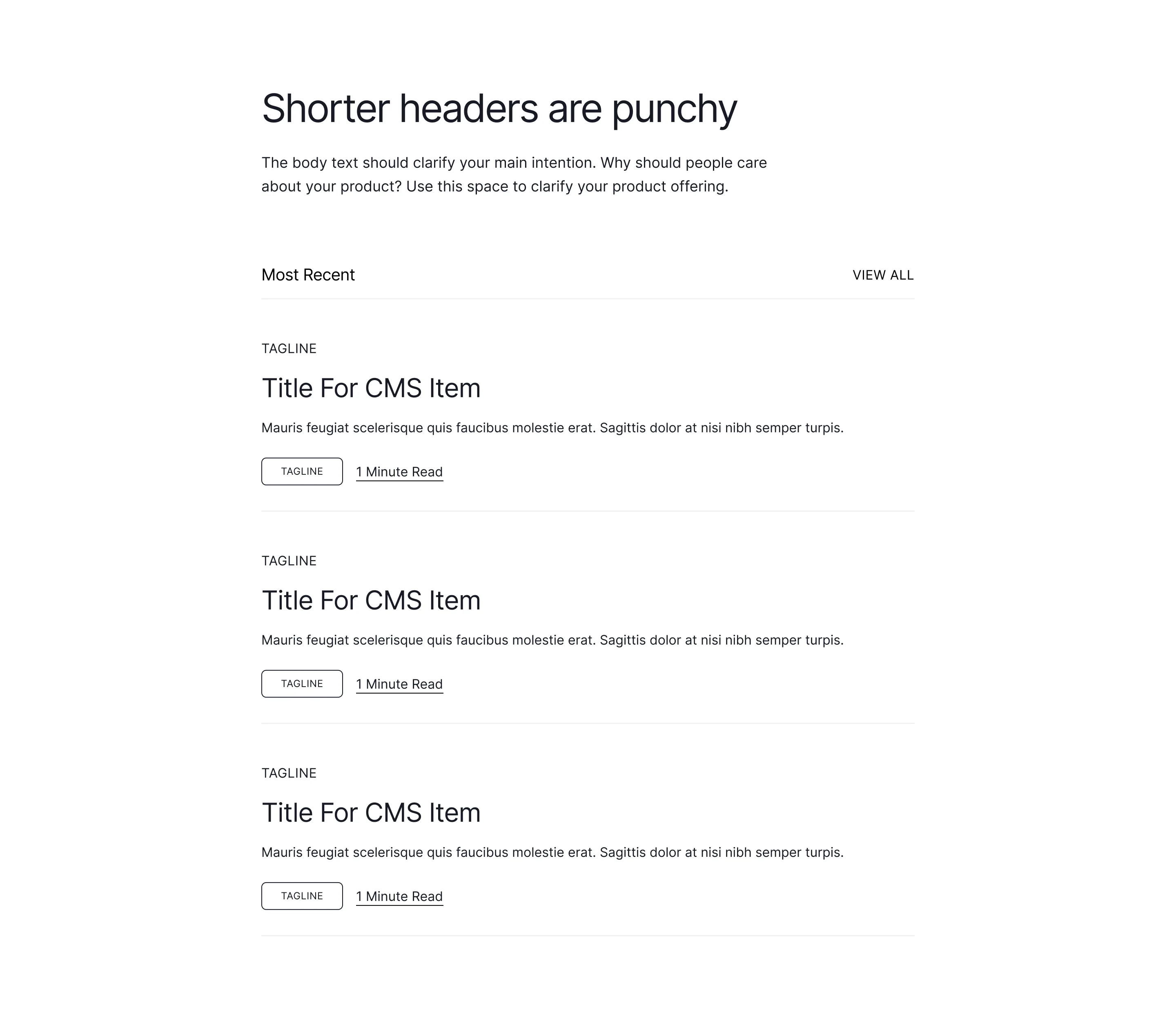
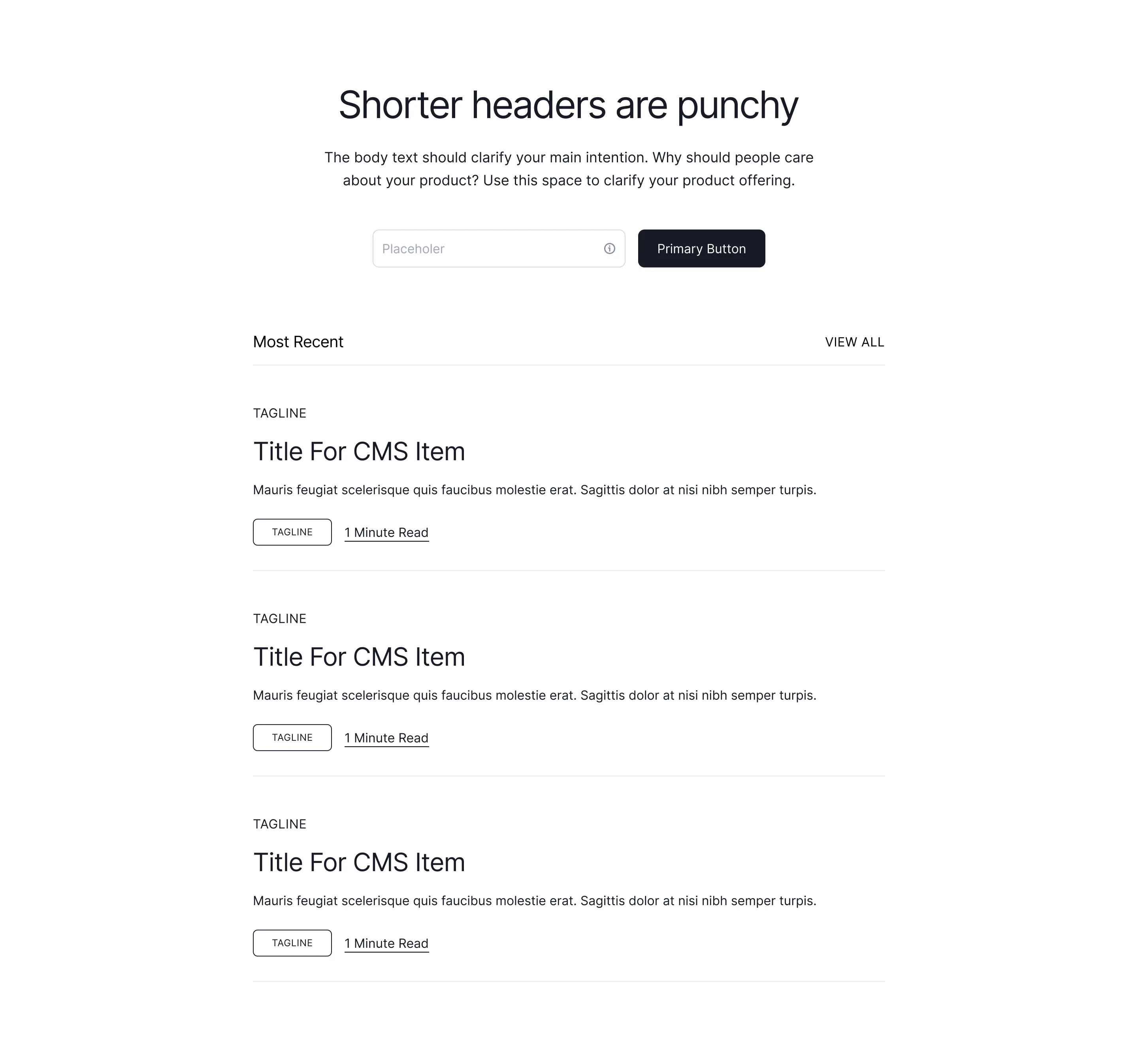
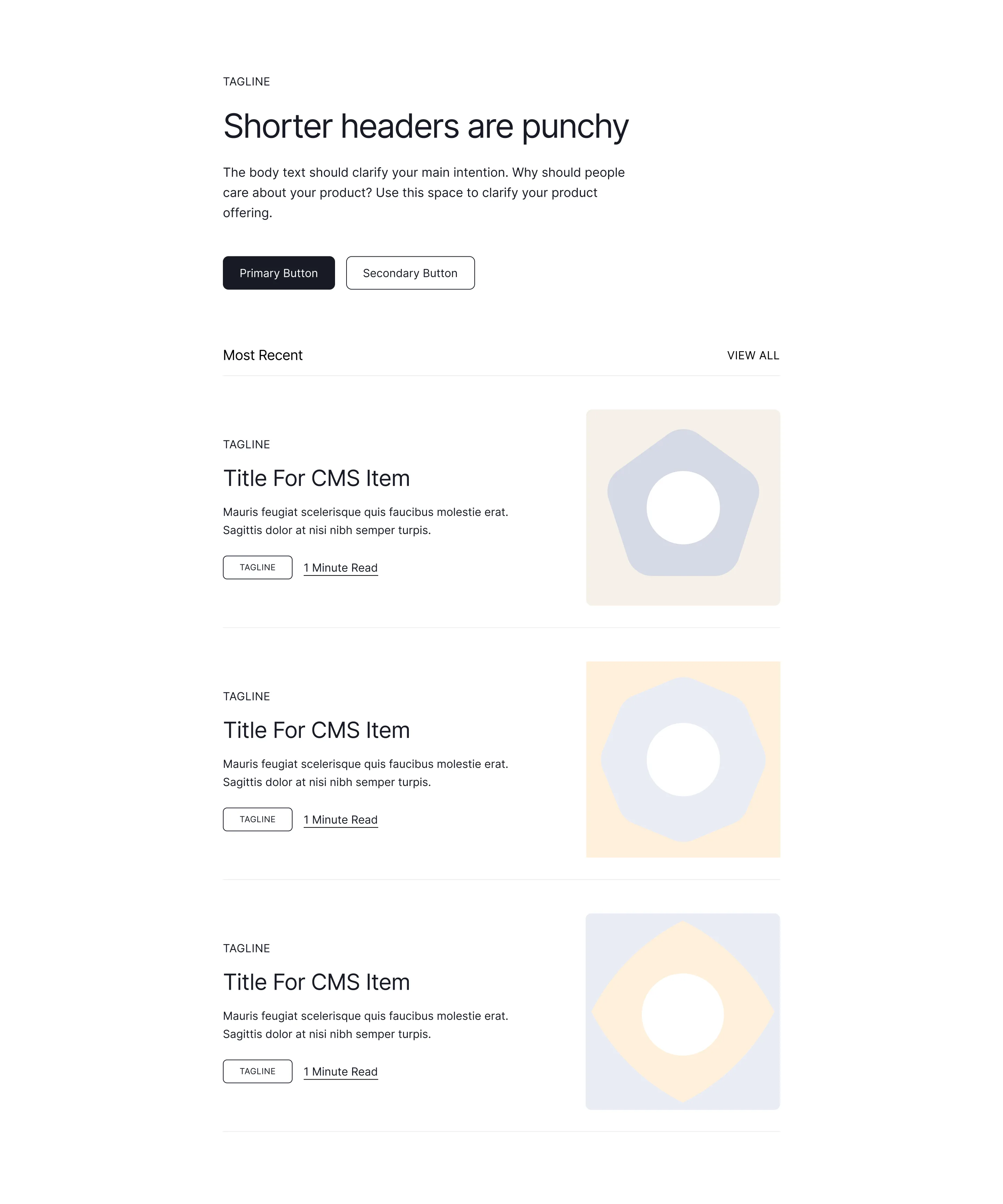
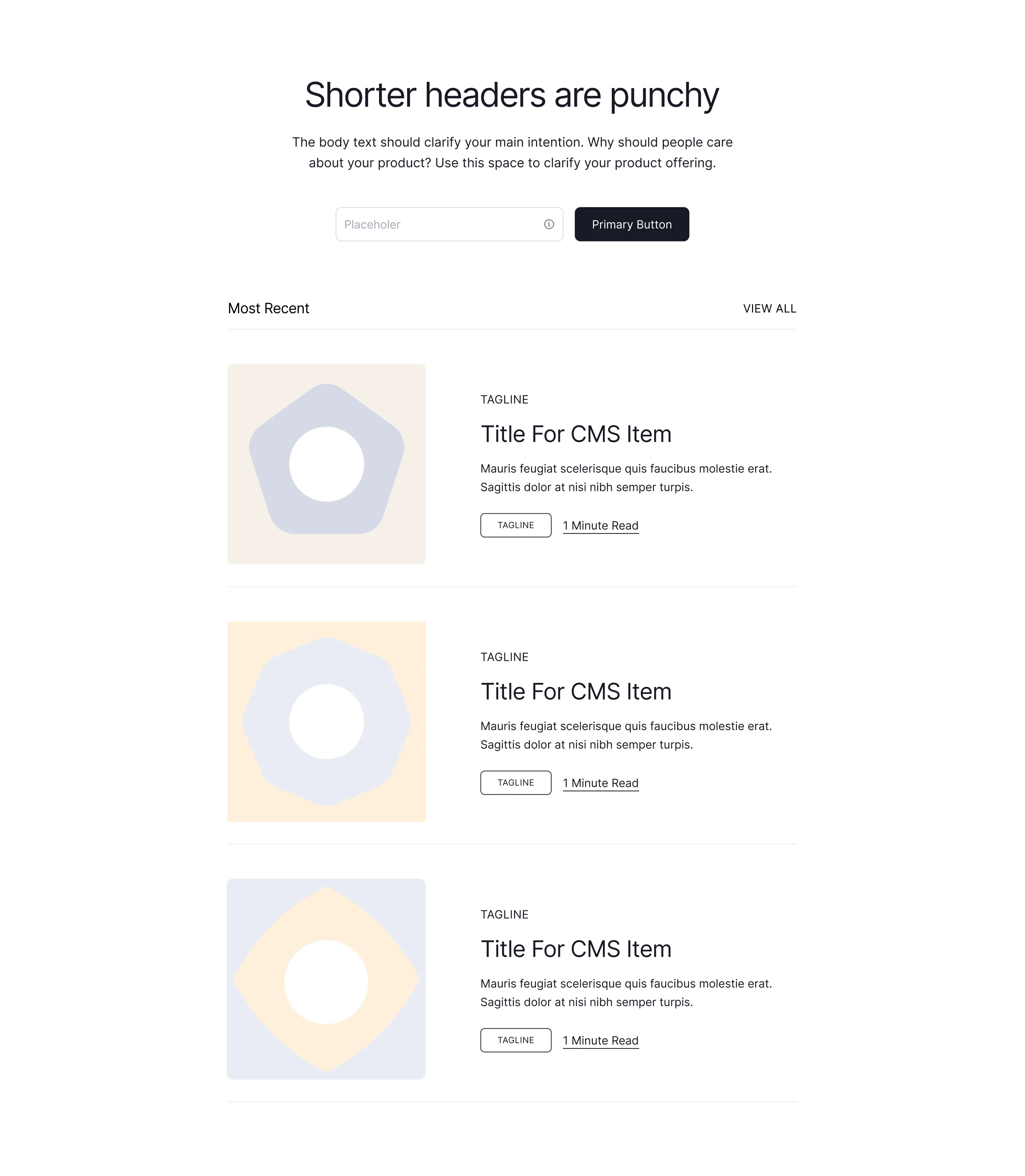
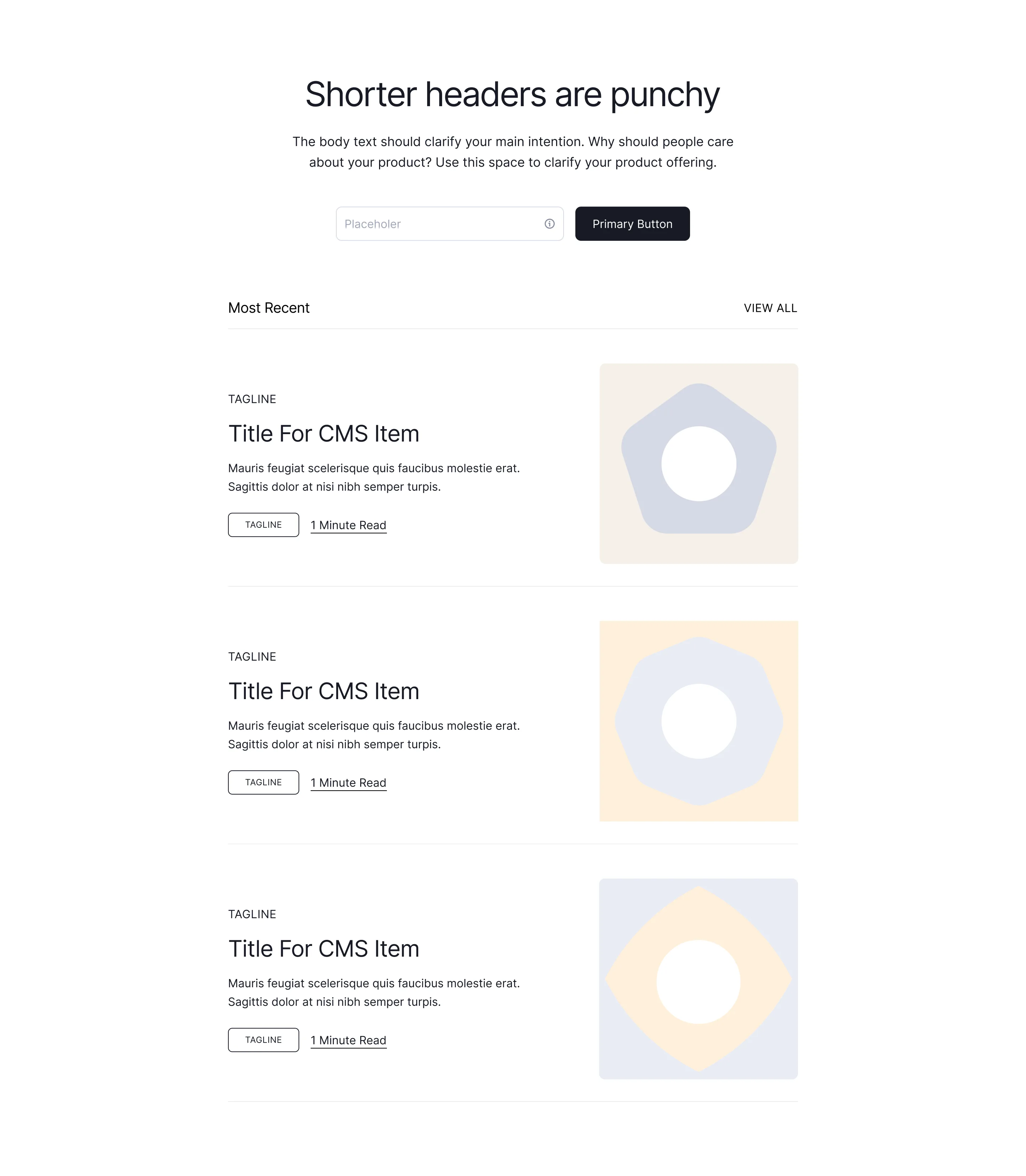
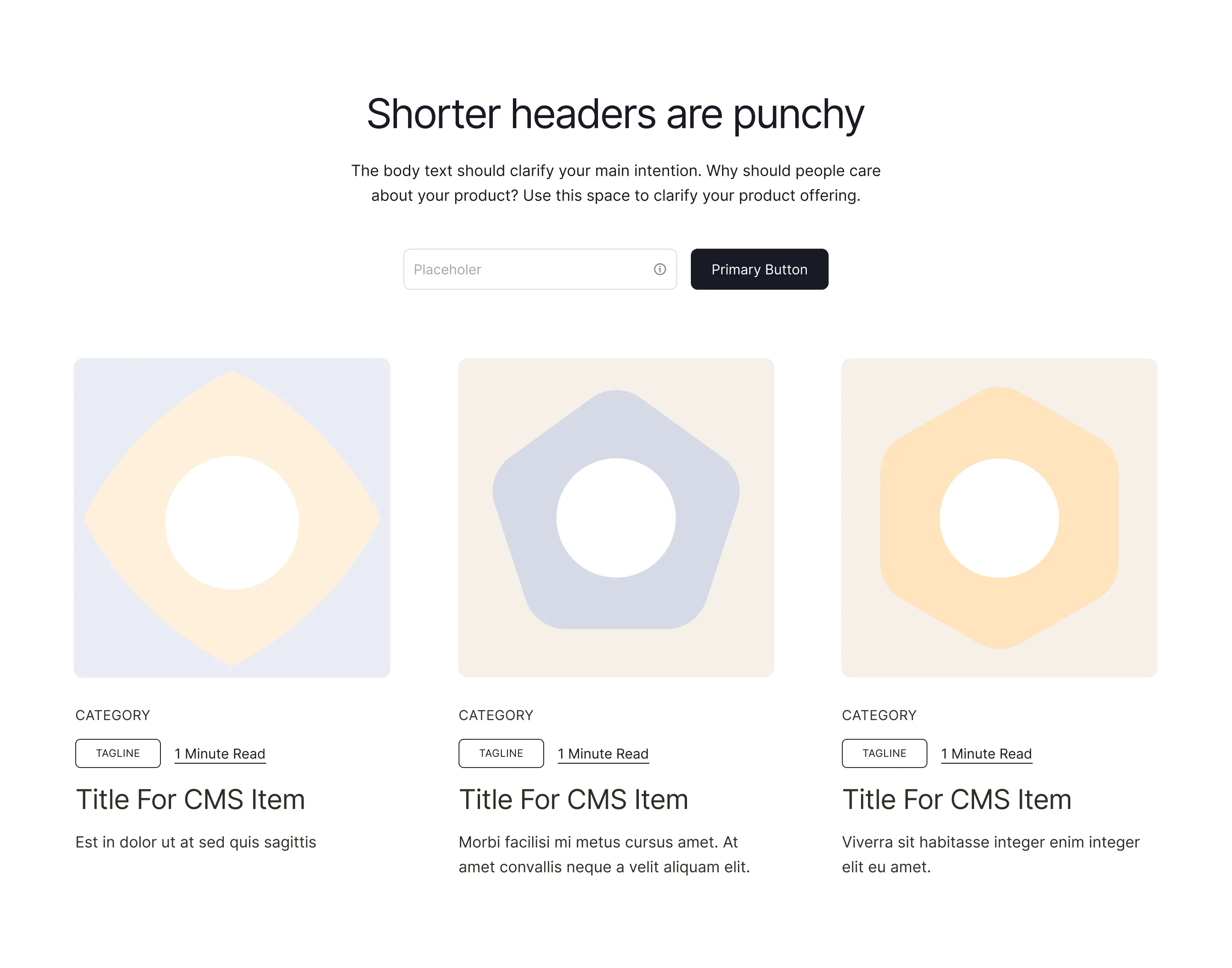
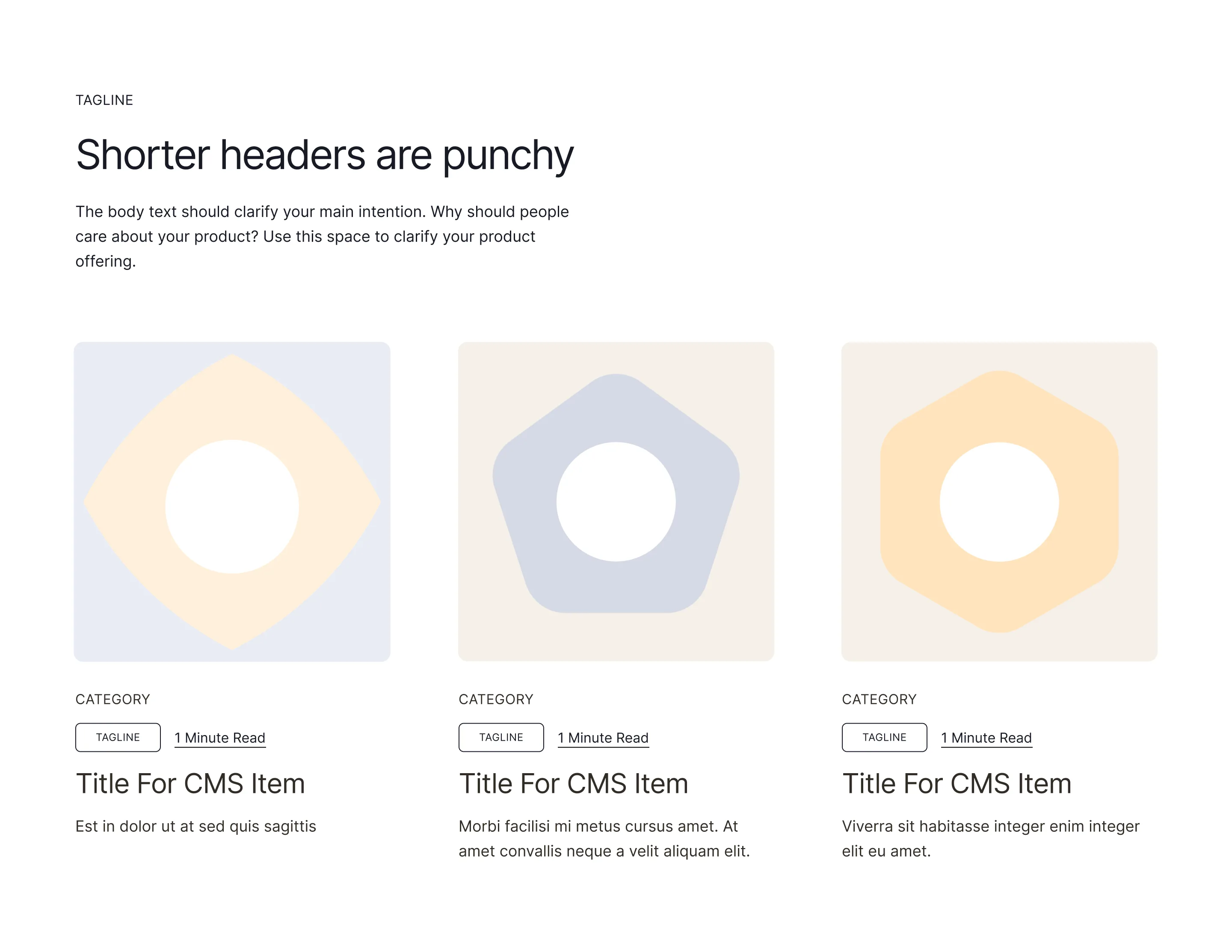
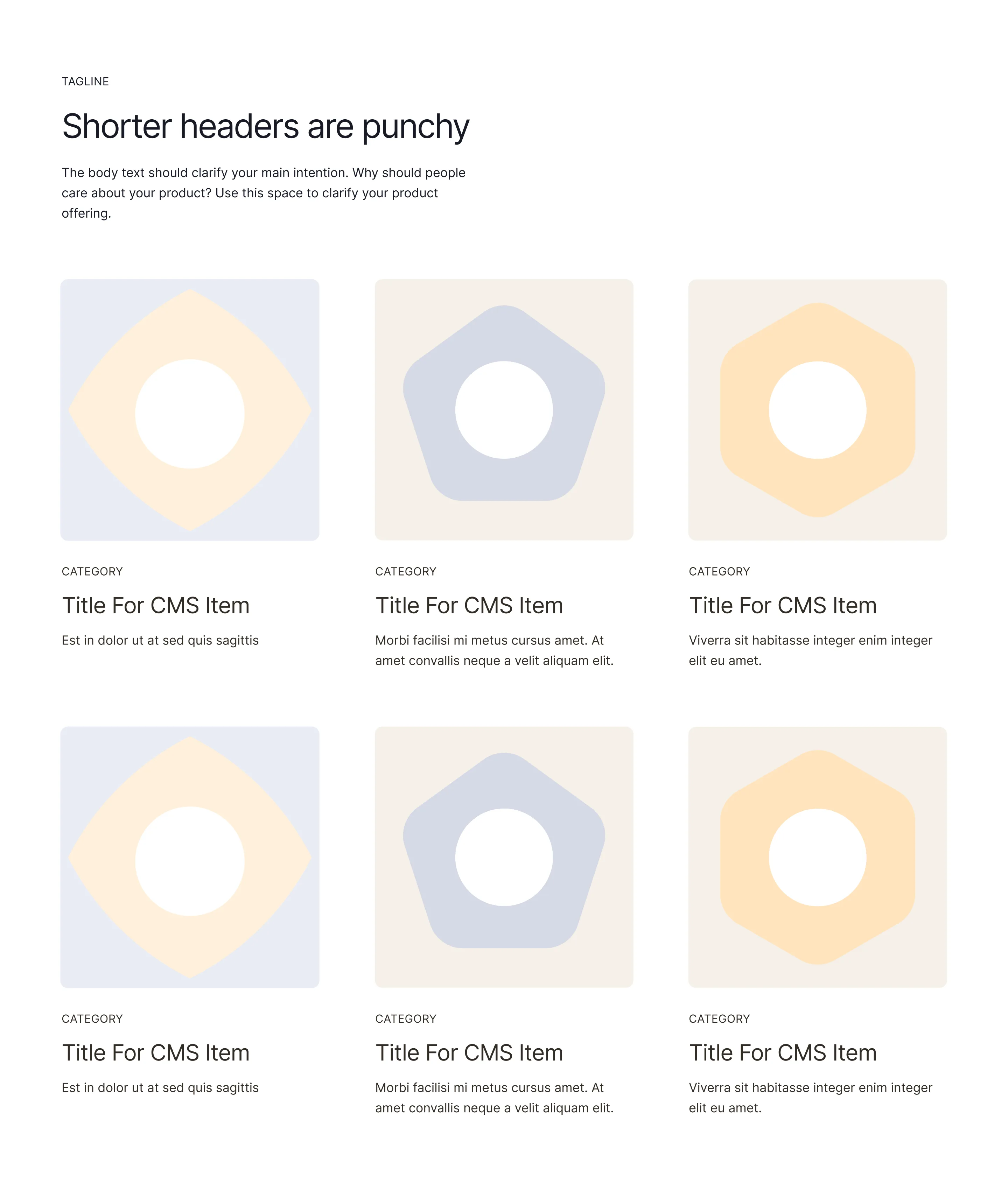
CMS header layouts for dynamic pages
A CMS header is the intro block of a template-driven page such as a blog post, case study, or job listing, where the title, category, author, and date come from dynamic fields. It has to look right whether the headline is four words or fourteen, so hierarchy and spacing do the heavy lifting.
These CMS header components are built as flexible wireframes: bind them to collection fields in Webflow or your CMS in Framer, or use them in Figma to plan a blog redesign. Breadcrumbs, tags, reading time, and featured images are already positioned where readers expect them.
Before picking a layout, test it against your longest real headline and your shortest one. A CMS header that only looks good with the placeholder text will break on the first article that goes long, and that is always the article that gets shared.