
Navbar Component
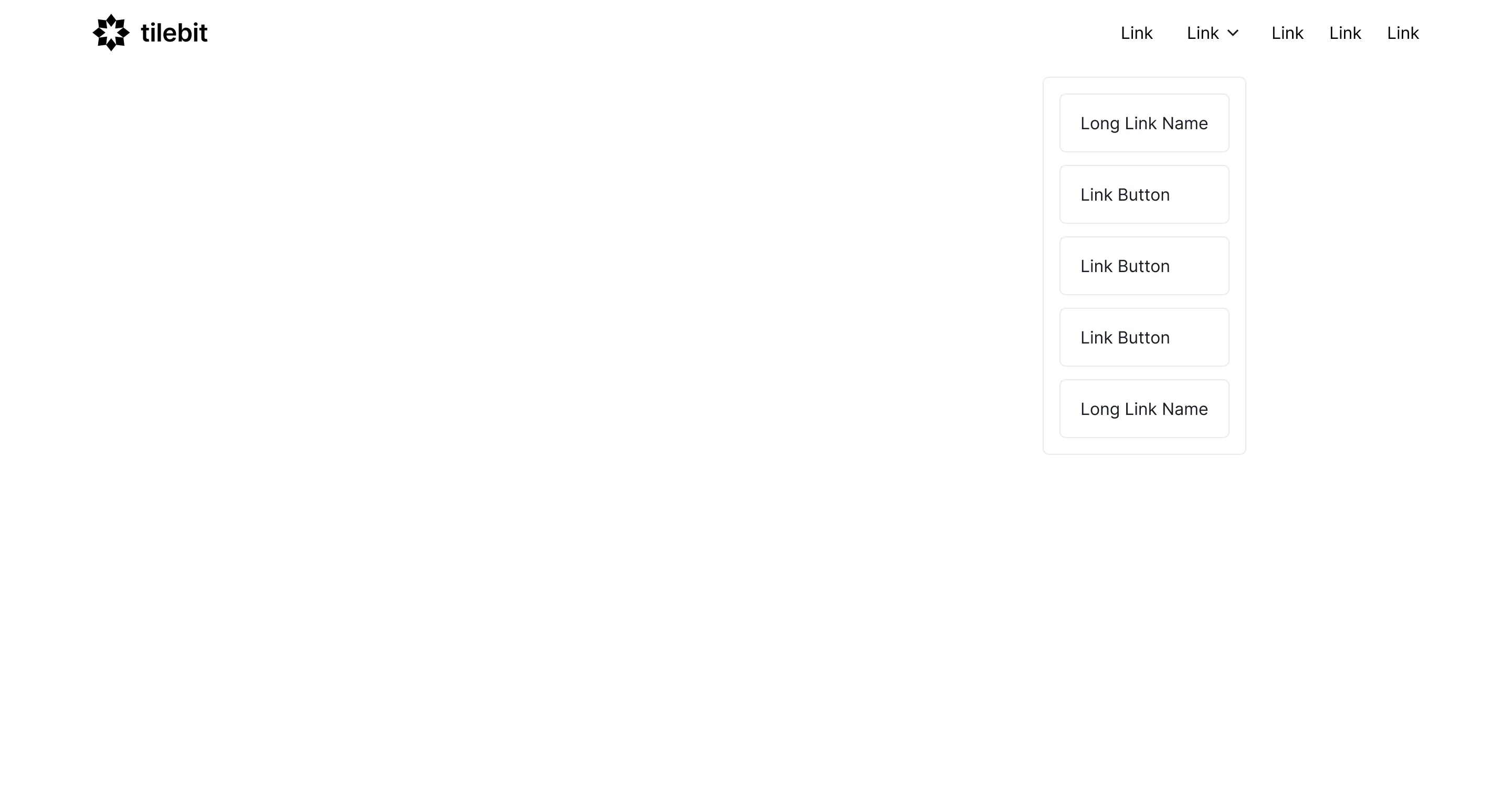
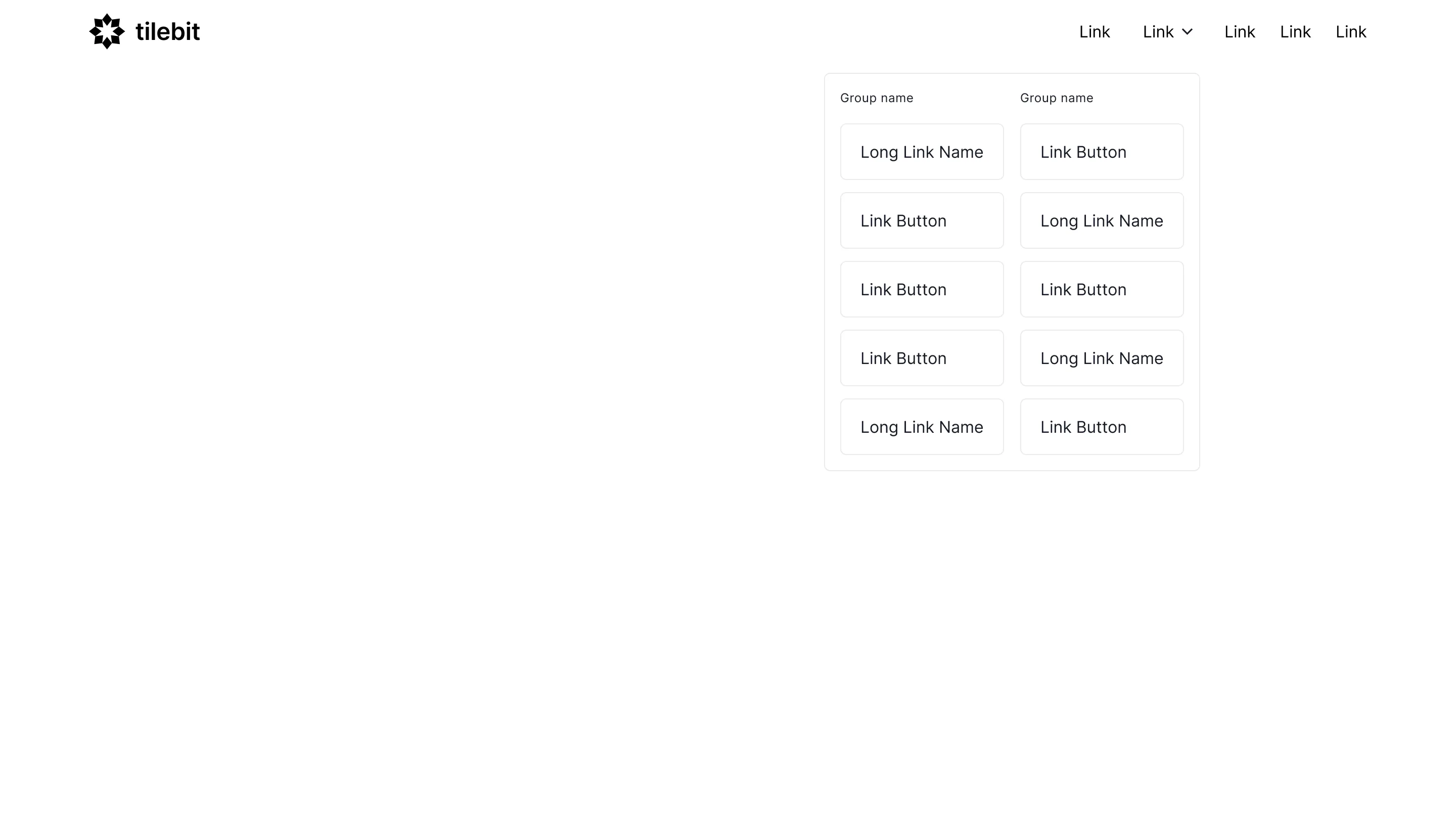
Minimal bars, mega menus, and sticky navbar wireframes with responsive breakpoints pre-built, for Figma, Framer, or Webflow.

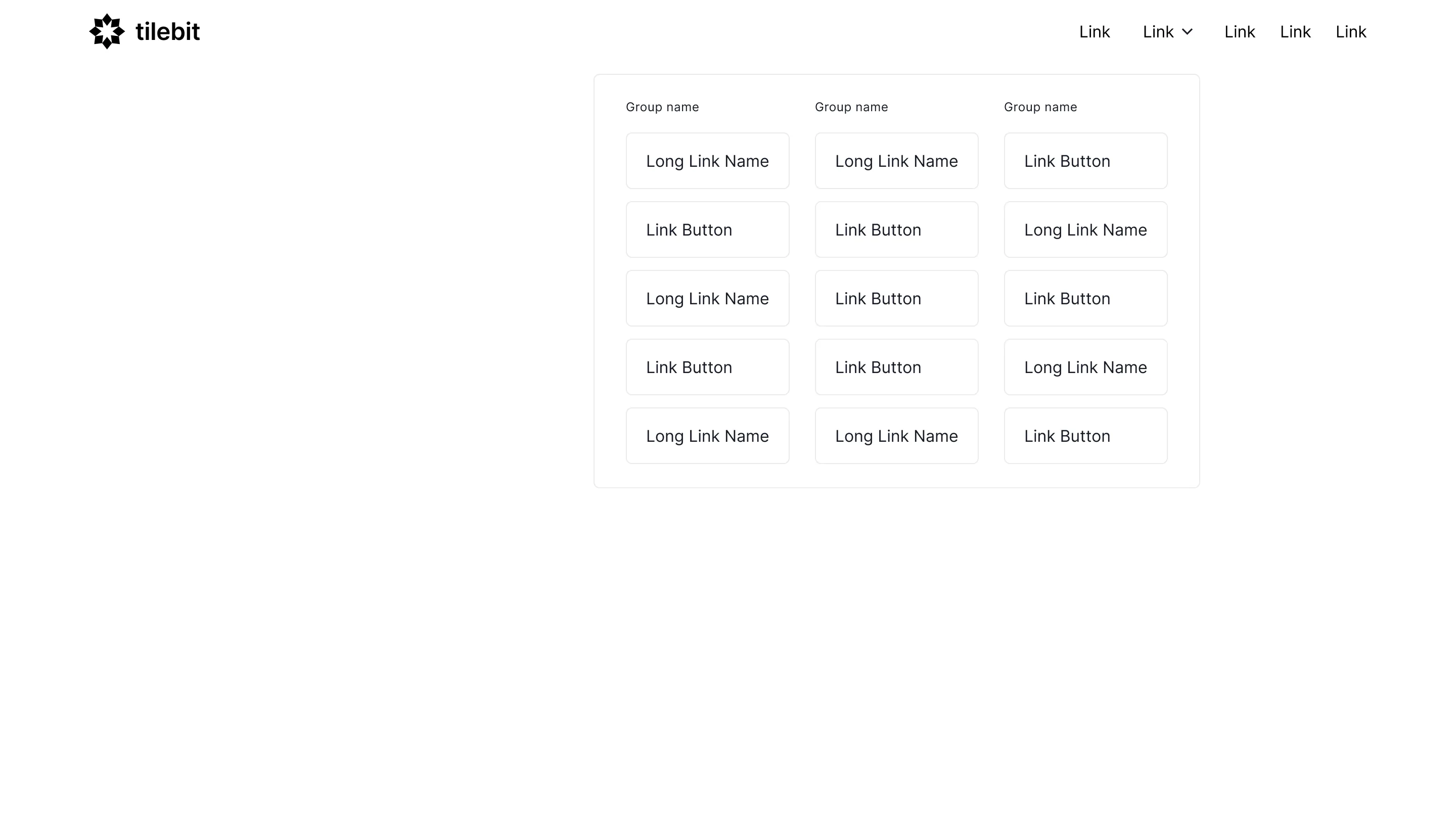
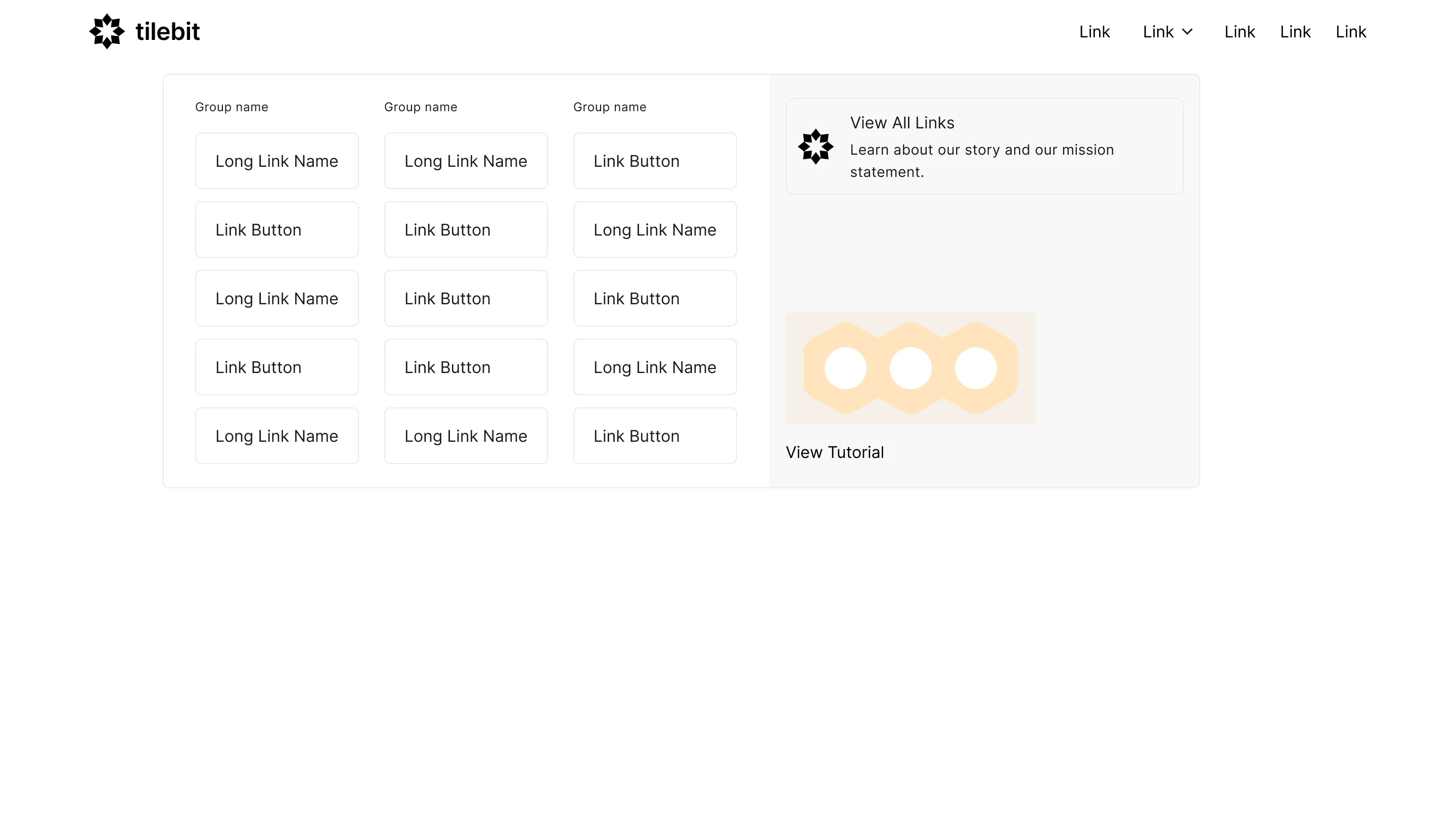
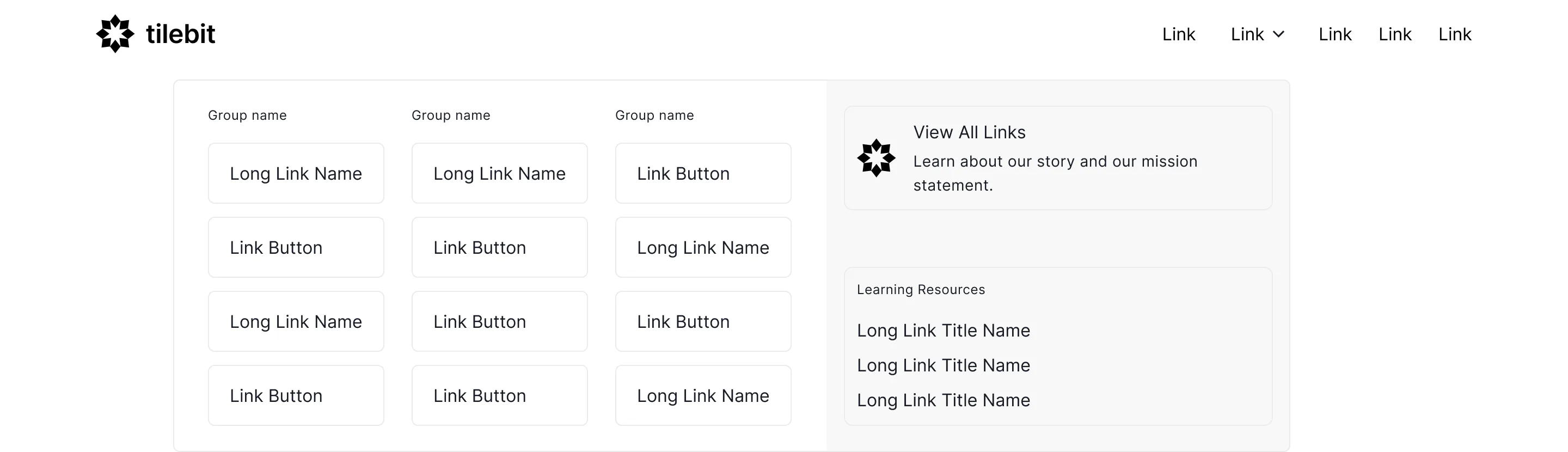









Navbar design that stays out of the way
The navbar is used on every page but should be noticed on none. Five or fewer top-level items, a visually distinct CTA on the right, and a mobile menu that opens in one tap cover most sites; mega menus only earn their complexity past a few dozen pages.
The navbar wireframes above cover minimal bars, centred logos, mega menus, and sticky variants, each ready to copy into Figma, Framer, or Webflow. Responsive breakpoints and dropdown structure are pre-built, which is where navbars usually eat an afternoon.
Sort out the information architecture before styling anything. A navbar can't fix a confusing site map, and the fastest way to decide what belongs in it is to list what visitors actually come to do, then cut everything else to the footer.